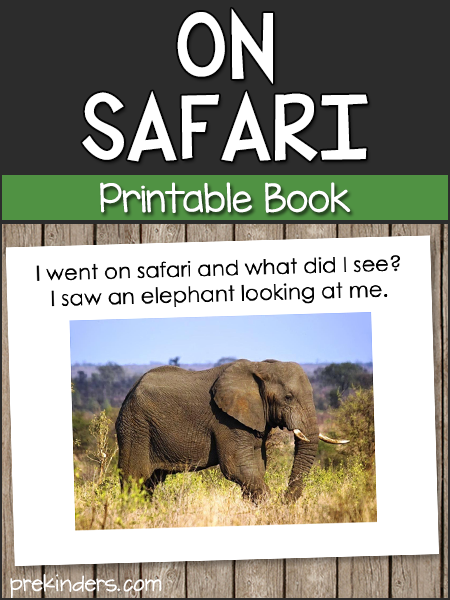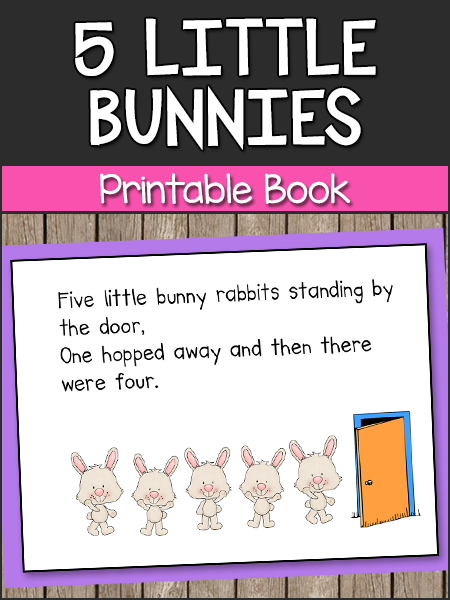
PowerPoints
These can be played on a computer projector. To play the slideshows, click “View Show” on the “Slide Show” tab after you have downloaded the PowerPoint file. You will need to click to transition to the next slide. To play them automatically (without clicking), click “Slide Transition” on the “Slide Show” tab. Under “Advance Slide”, check the box that says “Automatically after” and set your time to about 5 seconds (or any time you choose). Then click the button “Apply to all slides”. Then when you play the slideshow, each slide will advance automatically.
If you do not have the PowerPoint program, you can view these slideshows on SlideShare.
These slideshows can be printed to make a book.
Songs
These slideshows are timed to play along with the music (you don’t have to click to transition the slides). The Raffi songs can be downloaded from iTunes.com or Amazon.com for less than $1 each. For directions for inserting music into the PowerPoint, go to Kelly’s Kindergarten, and scroll to the bottom of the page.